T-Test Calculator
The TableSigma t-test calculator finds the t-statistic, degrees of freedom and p-value for a one-sample, two-sample, or paired Student's t-test from either raw data or summary statistics, matching the result your textbook or a TI-84 would give.
One-sample t-test — two-tailed p-value
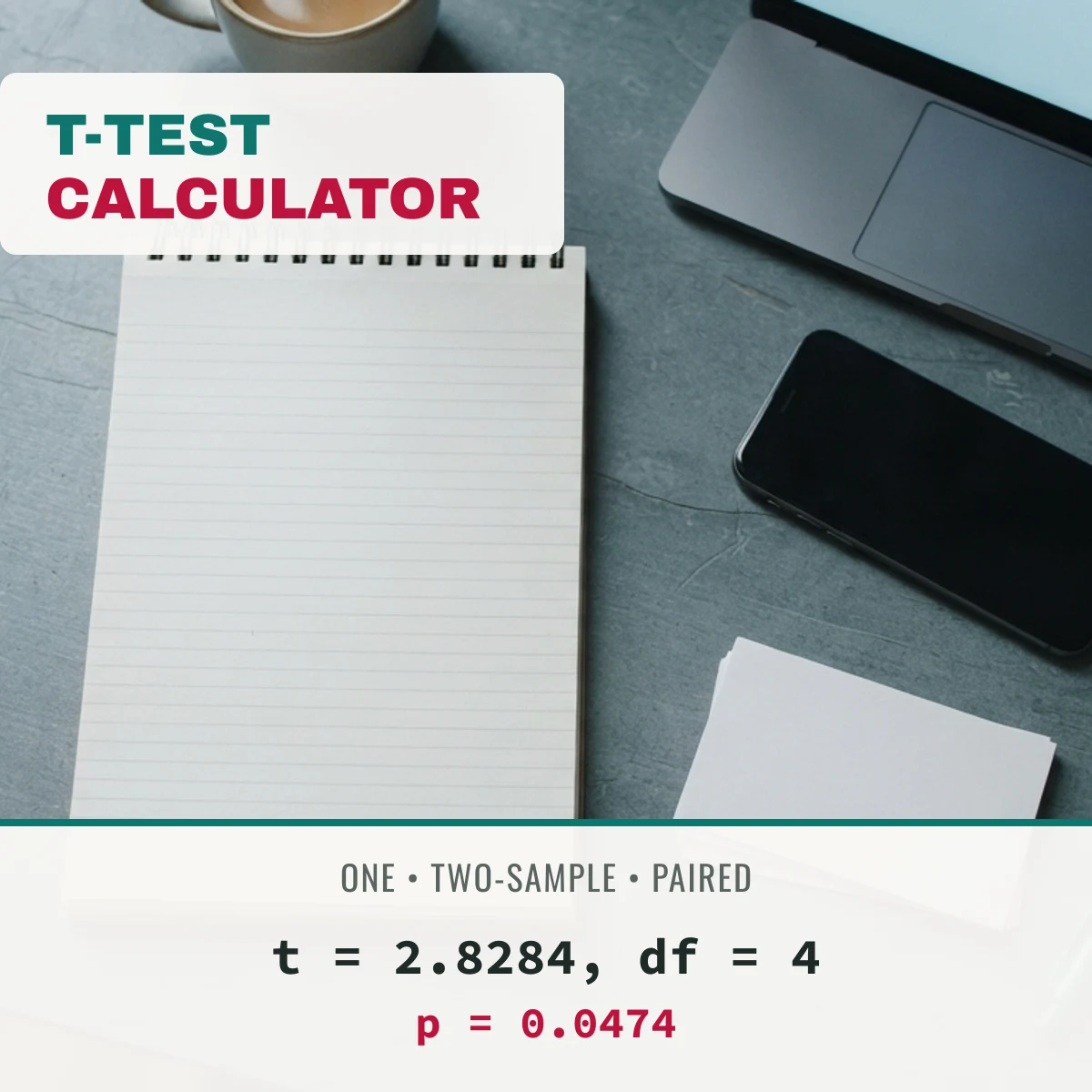
t = 2.8284, df = 4
p = 0.0474
Step by step:
- mean (x̄) = 7.0000
- sample sd (s) = 1.5811
- standard error = s / √n = 1.5811 / √5 = 0.7071
- t = (x̄ − μ₀) / SE = (7.00 − 5.00) / 0.7071 = 2.8284
- df = n − 1 = 4
Every value is computed live from the Student's t distribution — look up the matching critical value any time on the t table.
How to run a t-test by hand
A t-test compares an observed mean (or difference of means) to a hypothesized value, scaled by how much the data varies. The t-statistic is the gap between what you observed and what you expected, measured in standard-error units; the degrees of freedom shrink the distribution's tails as your sample size drops, which is why small samples need a bigger t to reach the same p-value as a large one.
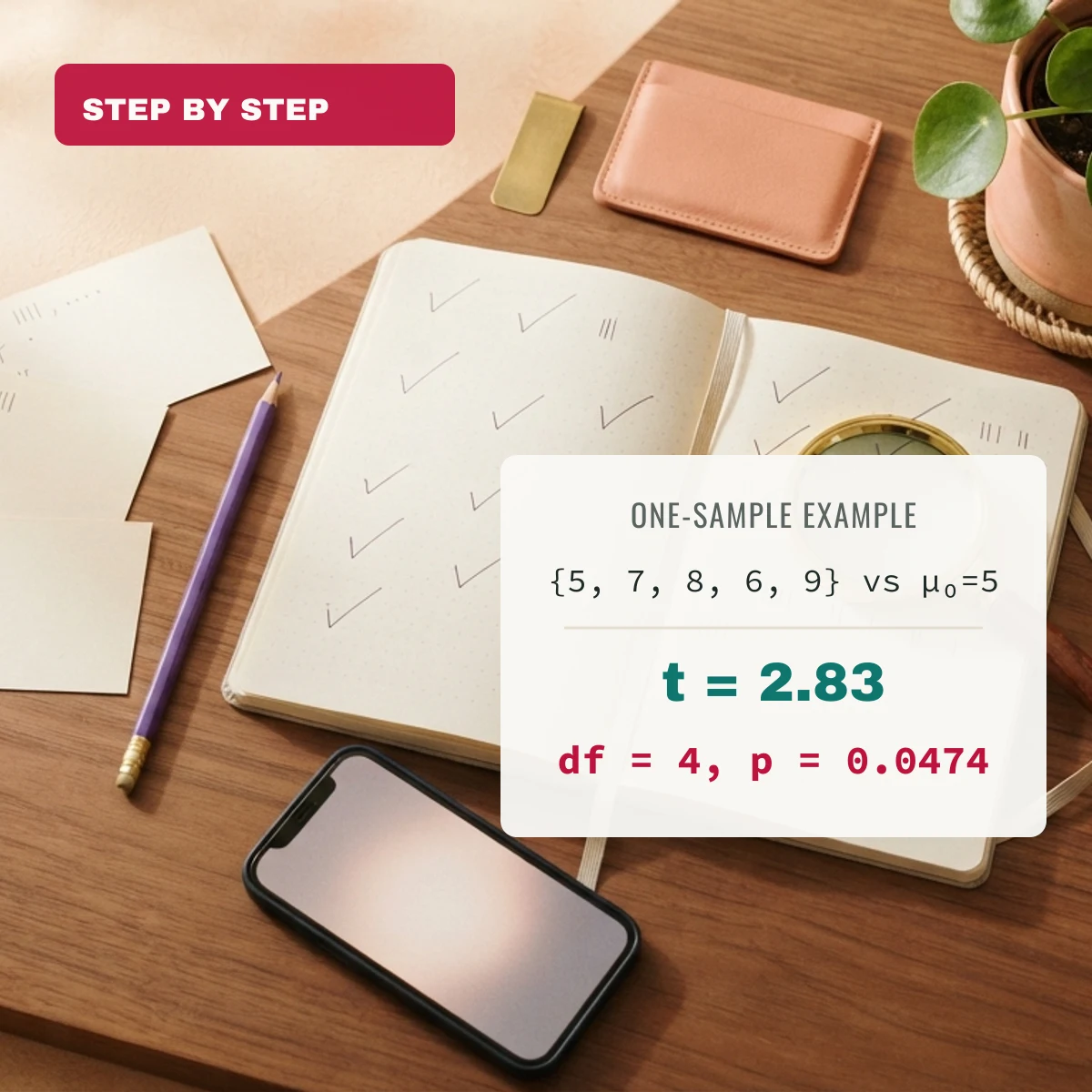
- One-sample example → sample {5, 7, 8, 6, 9} against μ₀ = 5 → mean 7.00, sd 1.58, SE 0.71 → t = 2.83, df = 4, two-tailed p ≈ 0.0474 — significant at the 0.05 level.
- Students vs. Student's t → this test is named after "Student," the pen name of statistician William Sealy Gosset, not for student test scores — it works for any small-sample comparison, not only academic data.
How to calculate a t-test on a TI-84
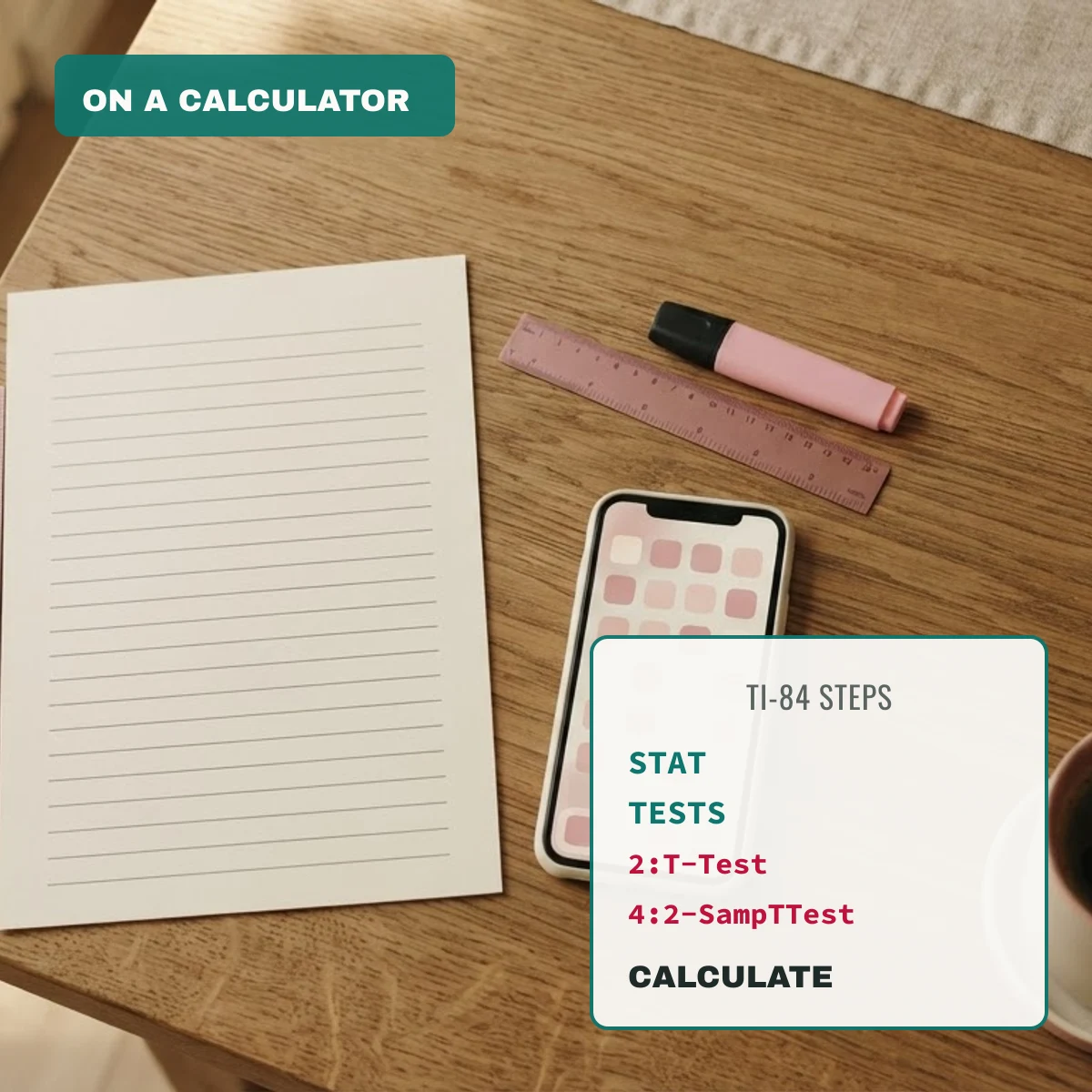
On a TI-84: press STAT → arrow to TESTS → choose 2:T-Test (one-sample) or 4:2-SampTTest (two-sample). Enter your hypothesized mean, either your summary stats (Stats) or a data list (Data), choose the tail direction, and select Calculate. The calculator returns t, df and the p-value directly — compare them against the result above to check your work.
Report an error in this table
Worked examples from students
No examples yet — share how you used this table for a class problem.
Submissions are reviewed before they appear here.
FAQ
Can I calculate a t-test online?
Yes — this calculator runs a one-sample, two-sample, or paired t-test entirely in your browser from either raw data or summary statistics, and shows the t-statistic, degrees of freedom, p-value and the step-by-step formula.
How do I calculate a t-test on a TI-84?
Press STAT → TESTS → 2:T-Test for a one-sample test or 4:2-SampTTest for two samples, enter your data or summary stats, choose the tail, and select Calculate. See the TI-84 section above for the full steps.
What is the difference between a paired and a two-sample t-test?
A paired t-test compares two measurements taken on the same subjects (before/after), using the differences between pairs. A two-sample (independent) t-test compares two separate, unrelated groups. Using the wrong one can over- or under-state significance.
Should I use the pooled or Welch two-sample t-test?
Welch's t-test (the default here) does not assume the two groups have equal variances and is the safer general-purpose choice recommended by most modern statistics courses. Use the pooled version only when you have a specific reason to assume equal variances, such as a course requiring it.